
What Is a Court Docket in Hamilton County
In Indiana, the docket is called the Chronological Case Summary, or CCS. It is the official, dated list of everything filed and ordered in a case. Each line is one event: an appearance, a motion, a hearing notice, an order, a judgment. The CCS does not contain the documents themselves. It tells you they exist and when they happened. For most public Hamilton County cases, the CCS is what you see when you open a result in MyCase.
The docket grows as a case moves. A new criminal case might open with a charge filed and an initial hearing set. A civil case might open with a complaint and a summons. Over weeks or months, the CCS fills with continuances, rulings, and a disposition. Hamilton County administrative rules, which cover court hours and assignment, sit behind how these entries are managed.
The county administrative rules page, shown below, covers court hours, emergency closings, and how filings are allocated among the courts.
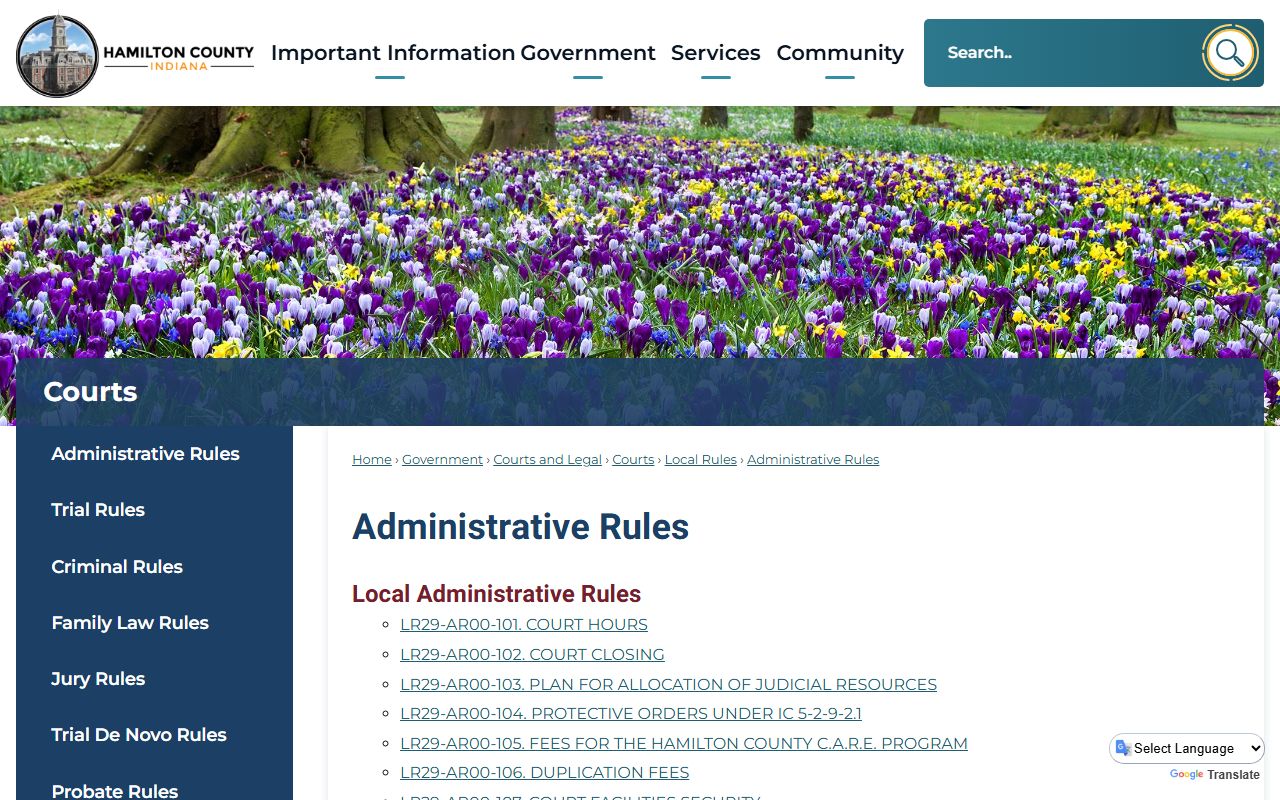
Those rules explain why a docket entry lands in one court and not another.
How to Find Hamilton County Dockets Online
Dockets live in Indiana MyCase. You do not need an account for a basic search. Start with a name or, better, the cause number. Then narrow to Hamilton County so a common name does not bury your case in statewide results.
- Open MyCase at public.courts.in.gov/mycase.
- Search by party name, business name, or cause number.
- Filter to Hamilton County and a case type if you can.
- Open the case to view the Chronological Case Summary.
- Note the next hearing date and the assigned court and judge.
For attorney-side docket tools, the Indiana State Bar offers a referral and resource hub, shown below.
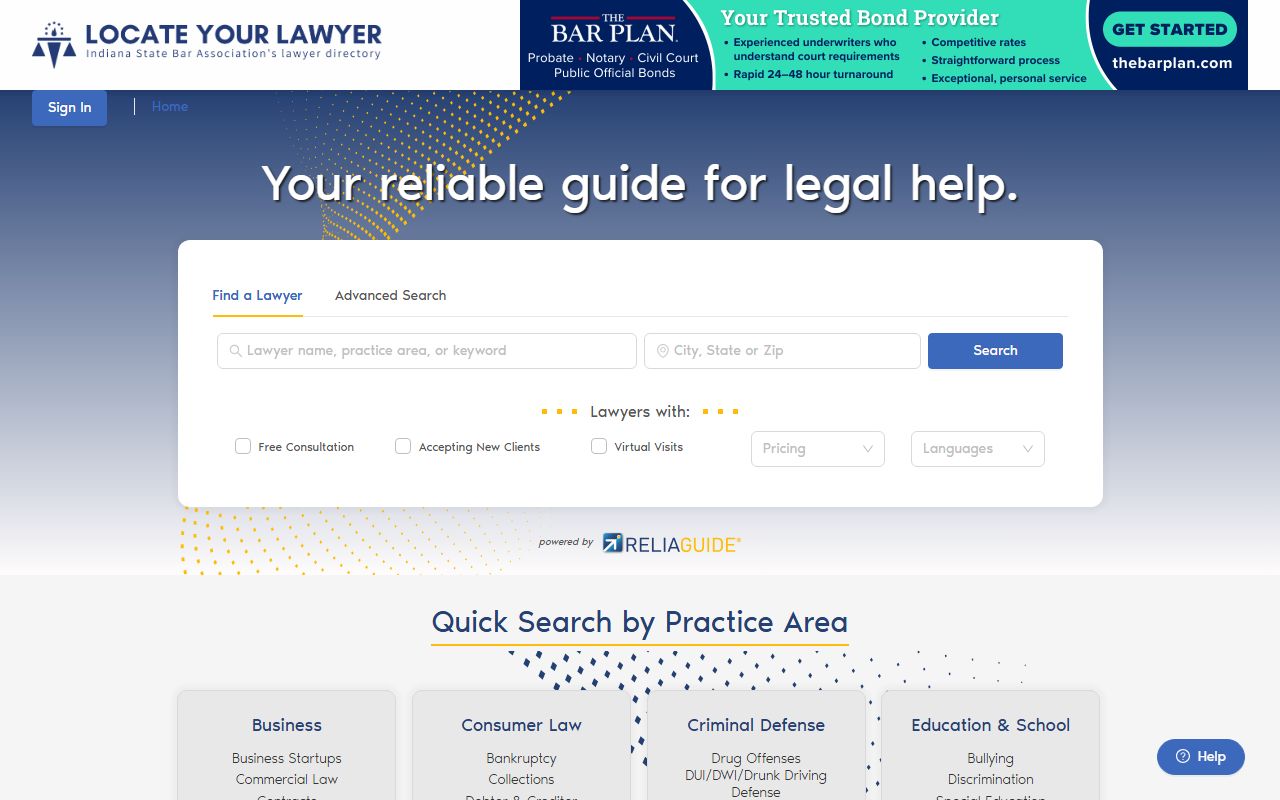
Most members of the public, though, get everything they need from MyCase.
Sample Hamilton County Docket Entry
A docket reads like a timeline. Each entry has a date and a short phrase. The phrases repeat across cases, so once you learn them, any CCS becomes easy to follow. The table below lists common entries and what each one means.
| Docket Entry | What It Means |
|---|---|
| Appearance Filed | A party or attorney has formally entered the case. |
| Charge Filed | The State has filed a criminal charge. |
| Summons Issued | Notice ordering a party to answer or appear. |
| Hearing Scheduled | A court date is set, with type, time, and court. |
| Motion Filed | A written request asks the judge to act. |
| Order Entered | The judge has ruled or directed the case. |
| Continuance Granted | A hearing or deadline is moved to a later date. |
| Judgment Entered | The court's final or enforceable decision. |
Courts That Publish Dockets in Hamilton County
Every Hamilton trial court feeds the same statewide system. The Hamilton Circuit Court and Superior Courts 1 through 7 all post non-confidential dockets to MyCase. City and town courts handle some traffic and ordinance matters, and those may appear depending on the case type. Local rules decide which court gets which case, so a small claim and a felony from the same person can sit on separate dockets.
The county Local Rules page, pictured below, is the master list of administrative, trial, criminal, family, probate, and juvenile rules.
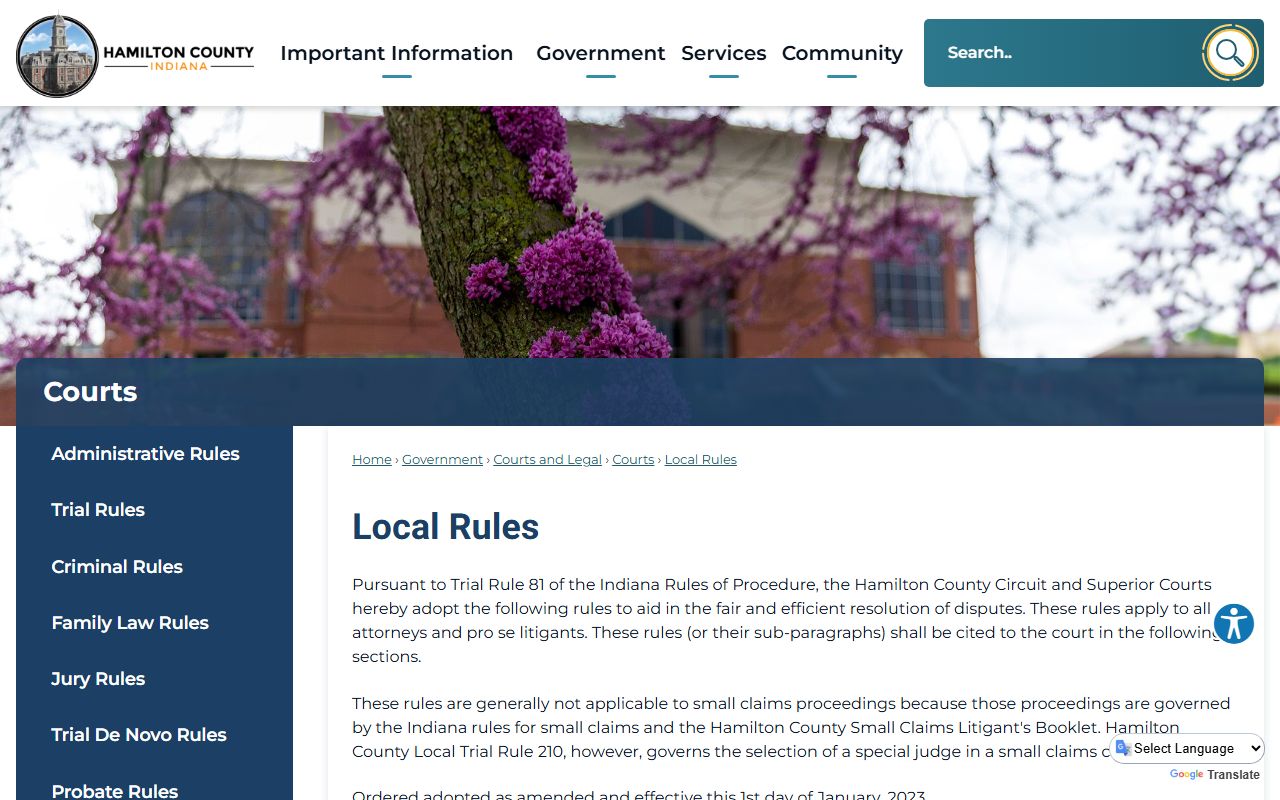
Local Administrative Rule 103 is the one that assigns case types to specific courts.
The county trial rules page, shown below, adds small-claims and special-judge procedures.
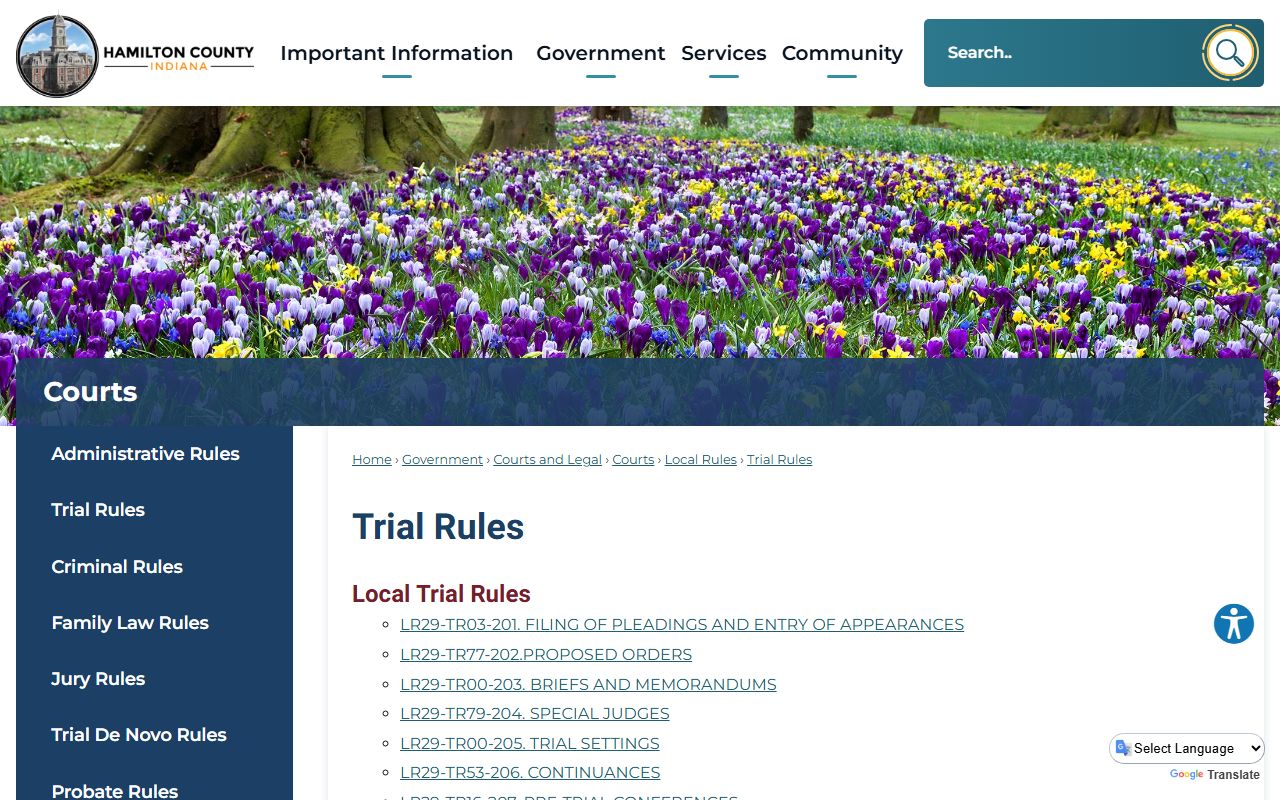
Together these rules shape how each docket is built and managed.
Docket vs. Full Case Record
People often expect a docket to hand over the documents. It does not. The docket is the index. The full case record is the stack of filed papers behind it. The comparison below makes the split clear.
| Feature | Court Docket (CCS) | Full Case Record |
|---|---|---|
| What it is | Dated list of case events | The actual filed documents |
| Where to find it | MyCase, free and public | Clerk or the court that holds the file |
| Document images | Often not shown | Available as certified copies |
| Best use | Track status and hearings | Read pleadings, orders, judgments |
So use the docket to see where a case stands, then ask the Hamilton County Clerk for any document you need in certified form.
How to Read a Hamilton County Docket
Read the CCS from the top down. The first entries open the case. The last entries tell you the current status. Watch for a disposition line, which marks the outcome of a charge or the whole case. A continuance pushes a date. A bench warrant entry means someone missed a court date.
The cause number at the top tells you a lot on its own. In 29D06-2604-F6-003797, the 29 is Hamilton County, the D06 marks a specific court, and the F6 is a Level 6 felony. Copy that number if you plan to call the court or request a copy. A docket can be public while certain documents in the case stay sealed, so a short or quiet CCS does not always mean a quiet case.
Dates matter too. The newest traffic citations may not appear for about 15 days after they are written, so an empty result on a fresh ticket is normal. Give the system time, then search again.
Note: MyCase is a public-service portal, not the official file, so confirm any docket detail with the court or Clerk before you rely on it.
Criminal and Civil Docket Entries
Criminal and civil dockets read a little differently. A criminal CCS tends to open with a charge filed and an initial hearing, then move through bond orders, plea entries, and a sentencing order. Major felonies are filed among the Circuit Court and Superior Courts 1, 2, 3, and 5, so the court code in the cause number tells you where the case sits. Some domestic battery and invasion-of-privacy cases route to Superior Court 3.
A civil docket opens with a complaint and a summons, then fills with answers, motions, and a judgment. Small claims and eviction dockets, handled in Superior Courts 4, 6, and 7, move fast and show a claim amount, a hearing date, and any post-judgment collection. Name-change and gender-marker petitions are filed in the Circuit Court. Reading the case type code at the top, such as SC for small claims or EV for eviction, tells you what kind of docket you are looking at before you read a single entry.
Restricted and Confidential Dockets
Not every docket is public. Juvenile, adoption, mental-health, and certain protected matters are limited by Indiana court-access rules and statute. The CCS for those cases may be hidden or stripped of detail. Expunged cases can disappear from public view entirely.
So treat a blank result with care. A missing docket does not prove a case never existed; it can mean the record is confidential or sealed. If you are a party or an attorney of record, you may see more than the public does. For anything sensitive, confirm status with the court rather than guessing from what MyCase shows.
The same caution applies to documents inside an open case. A docket can list a sealed motion or a confidential exhibit by title while keeping the image itself out of public view. Reading the entry tells you the filing happened; getting the document may still require a court order or party status. Treat the docket as a map, not the territory.
Related Resources
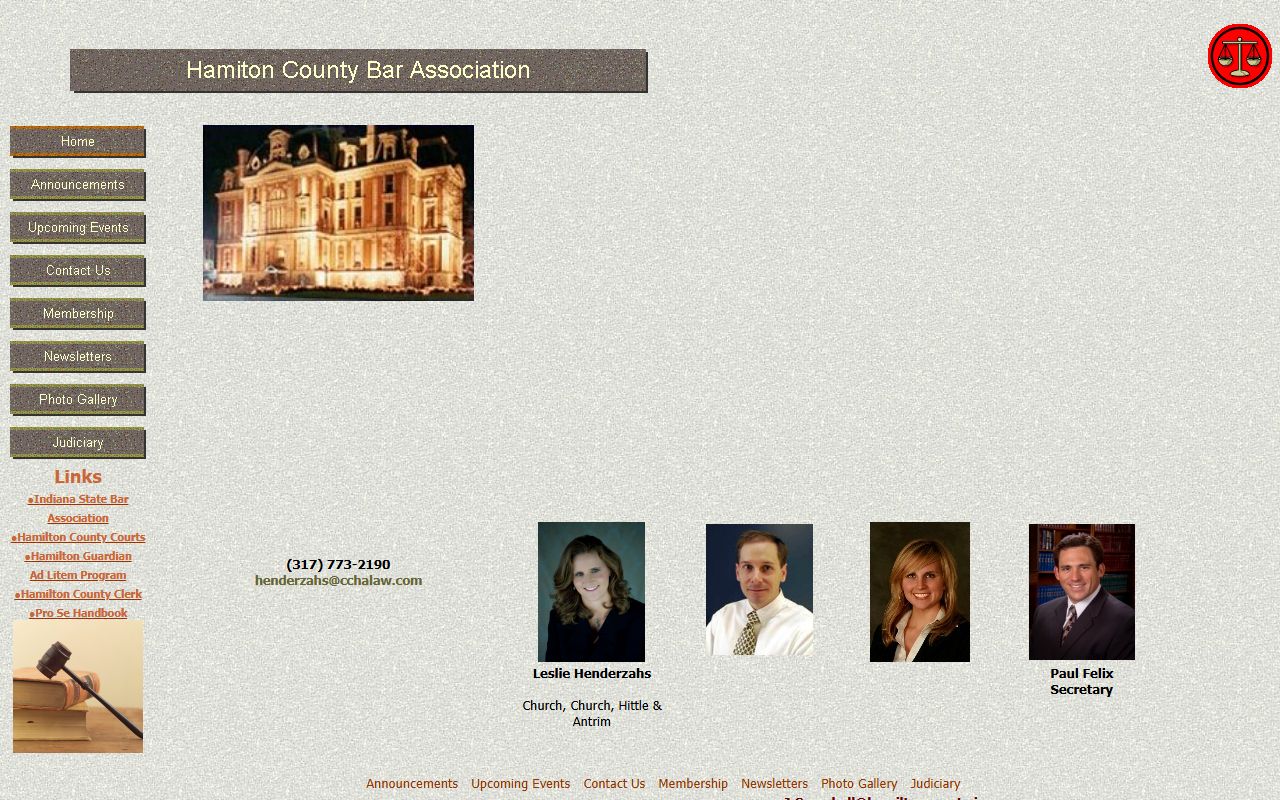
For full files and copies, see Hamilton County court records. For criminal matters, see arrest records and traffic court records. Local attorneys are listed by the Hamilton County Bar Association, shown below.
If a docket entry confuses you, a local attorney or the Legal Self-Help Center can explain what it means for your case.